
The model stores the objects and their settings. A drawing sheet presents a chosen view of that model with sheet settings and annotations. Quantities measure modeled elements; an estimate applies selected price context and scope to relevant quantities. These are related outputs, but each answers a different question.
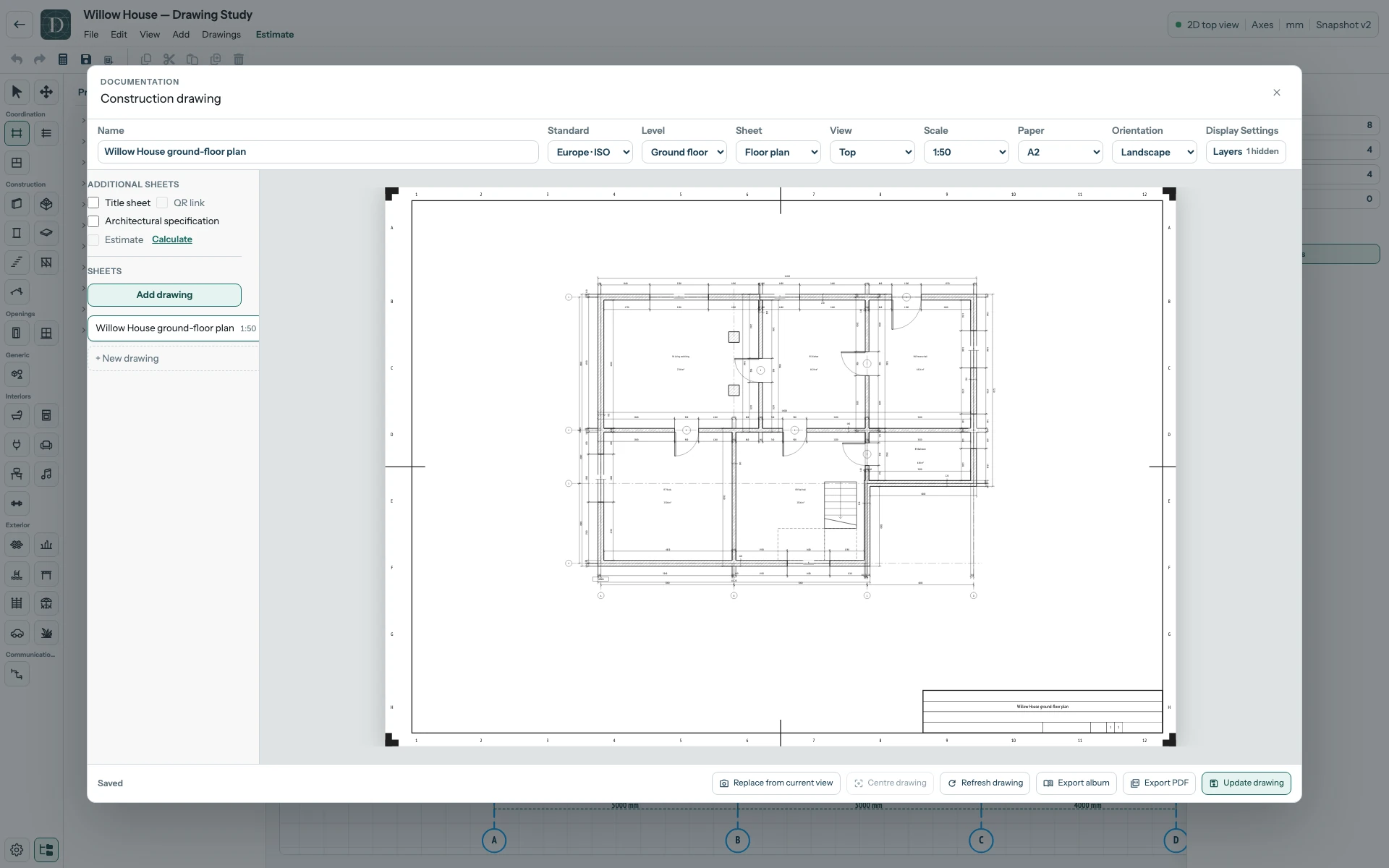
View the full-size drawing screenshot.
Saving the model does not by itself create a drawing. Use Create drawing from current view from a supported view, then check its Level, view, scale, paper and content. Recheck a sheet after model changes. An estimate similarly needs a country, region, display currency and included categories that suit your own project; review its issues and missing prices before using its total. A visible modeled object is not automatically a priced estimate row.
Make a drawing and read an estimate show the two workflows. Design scope and verification explains why these outputs still need project-specific review.