
The view changes how you inspect one saved model. Top shows the plan; Front, Back, Left and Right show side projections; 3D shows the building form. Switching views does not move or duplicate elements.
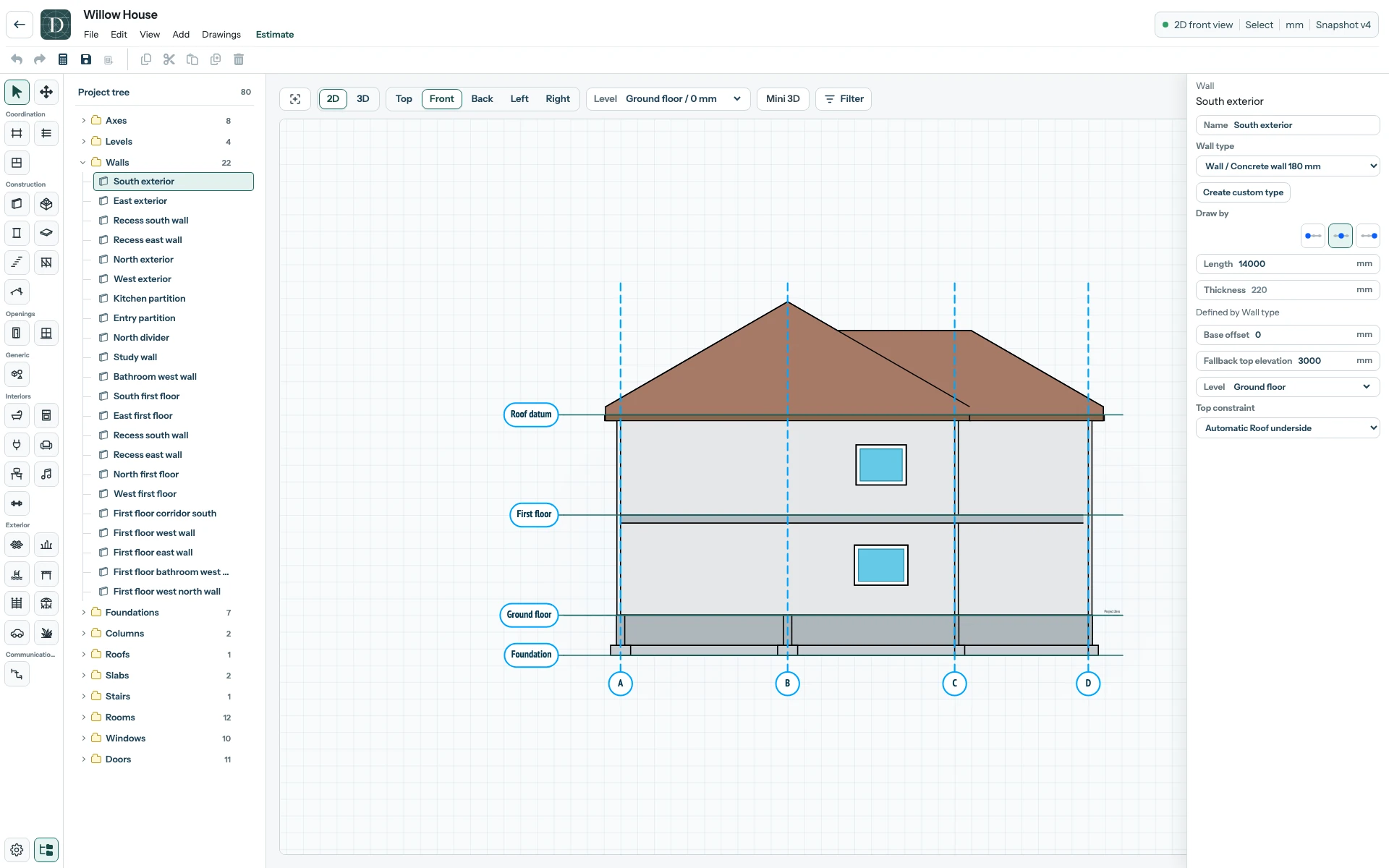
View the full-size Front view screenshot.
The active Level is the working height used by supported drawing tools. In Top 2D, that Level appears normally and higher Levels are hidden. Only the nearest lower Level can supply a faint underlay: Walls and Windows for editor alignment, and Stairs for the route from below. Main 3D and Mini 3D both exclude elements above the active Level.
Filter opens the Display filter, which can hide Exterior, Generic or Interior categories and cap visible Levels. The Project tree eye controls can hide a group or individual object. These visibility changes help you inspect a crowded model; they do not delete saved geometry. Hidden elements may still matter to your design, drawings and quantities, so restore the intended visibility before a final check.
See 2D views, 3D and camera and visibility controls for the actions. Inspect the model in 2D and 3D follows one example through all three.