
A snap helps place a point exactly on a visible reference while drawing or reshaping. Dravit can snap to an Axis, its intersection or supported Wall geometry. The saved object stores the resulting coordinates. A snap gesture alone does not create a durable, explicit Axis-to-point binding record.
Two points can also have the same coordinates without being one object or an automatic Wall join. This matters when later editing: you must inspect which object owns each point and which movement rule applies.
When the Axis moves
The Locked on Constructions switch governs Axis movement. When enabled, the editor looks for supported construction points lying on the moved Axis and shifts them with it; this can work across Levels without a separate binding record. When disabled, it moves the reference line alone. A Door or Window follows a moved host Wall. A nearby logical Room polygon remains separate.
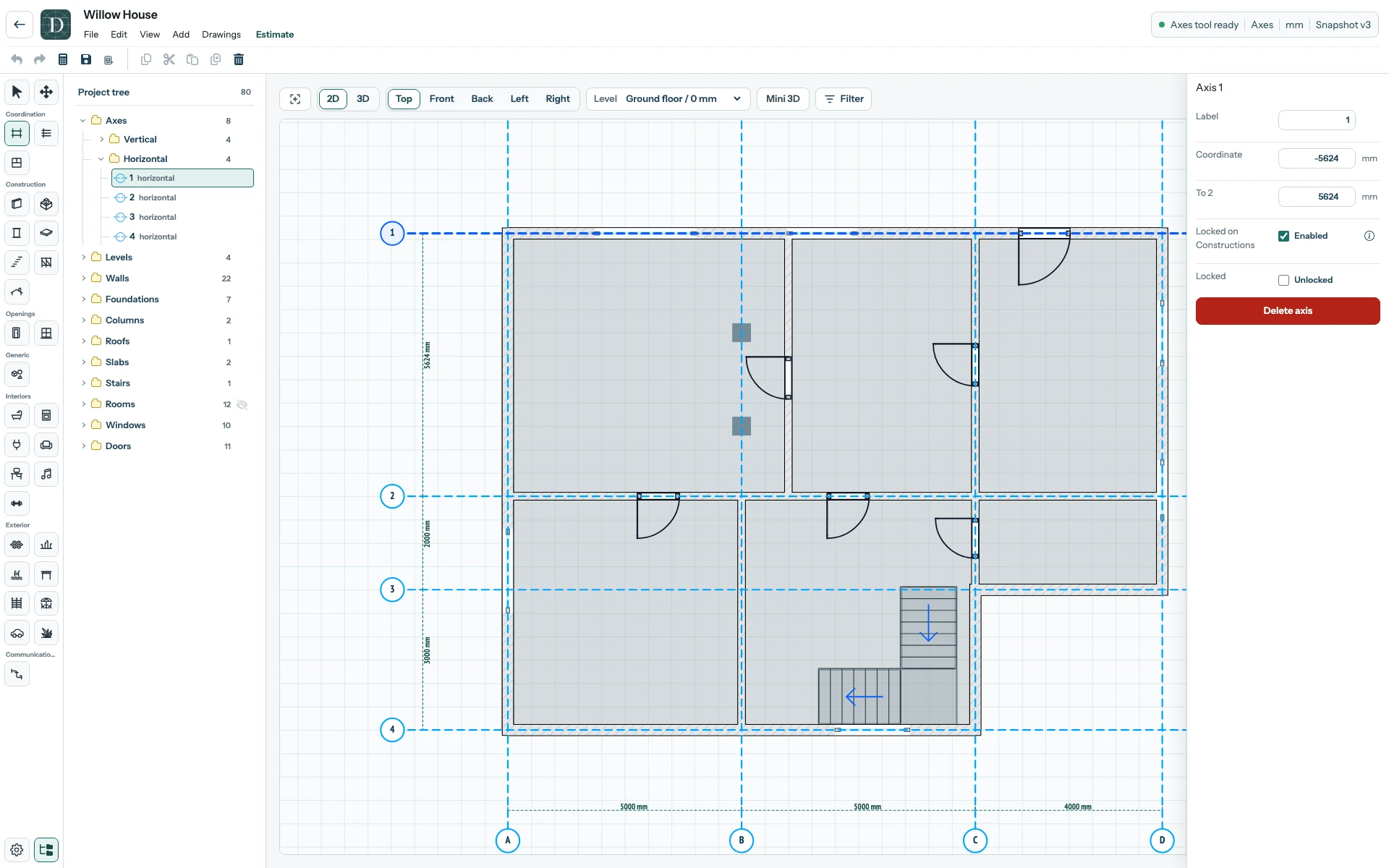
View the full-size moved-Axis screenshot.
Use Place objects with snaps and guide lines for the drafting action and the Axis move example for its consequences. Do not rely on visual contact alone as proof that two elements will always move together.