
After a model edit, select Undo in the top toolbar or Edit → Undo to reverse the latest local change. Select Redo to restore a change you just undid. The commands are disabled when no matching step is available.
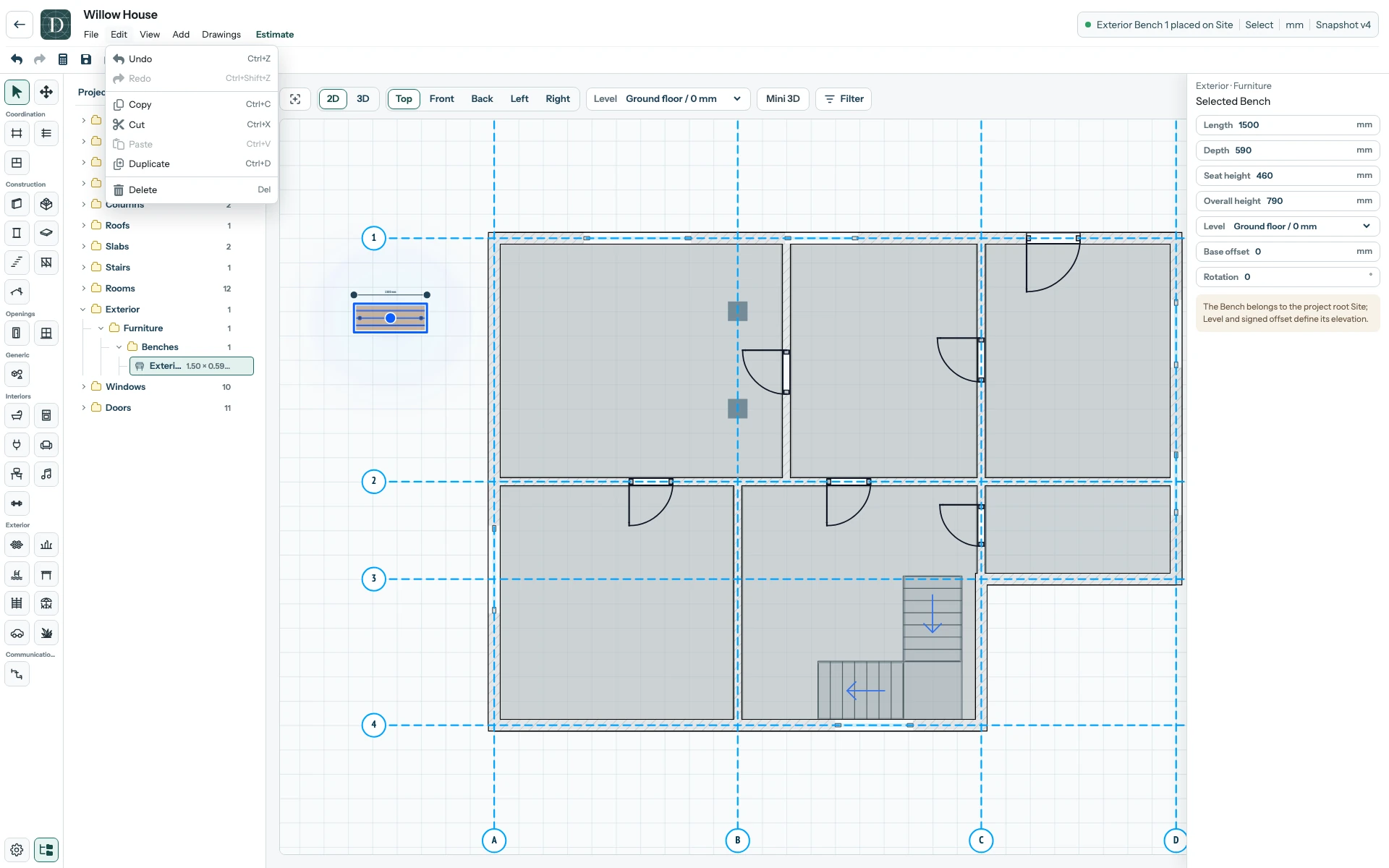
View the full-size Undo screenshot.
Inspect the viewport, Project tree and right panel after each step. A single action can change more than one related object, such as an Axis spacing edit or a hosted opening's position. Undo and Redo operate on the current editor's change history; they are not a browser for older saved project snapshots. Select Save once the model is in the intended state, and reopen to confirm the persisted result.
Save and reopen explains snapshot status. Move an Axis shows why a coordinated change needs a full-model check.
A completed IFC import is one Undo step for its complete native result in the session that receives it, including new Levels and hosted openings. Undo is local history; reloading the editor does not provide that earlier Undo stack.