
An element's type or preset selects a construction or product configuration. Its individual settings describe this placed instance: for example, a Wall's geometry or a Window's dimensions and position. A shared project Foundation Type can update every Foundation using it, while each Foundation keeps its own placement geometry. A material choice specifies what that element uses; a visible color alone does not establish a complete material specification.
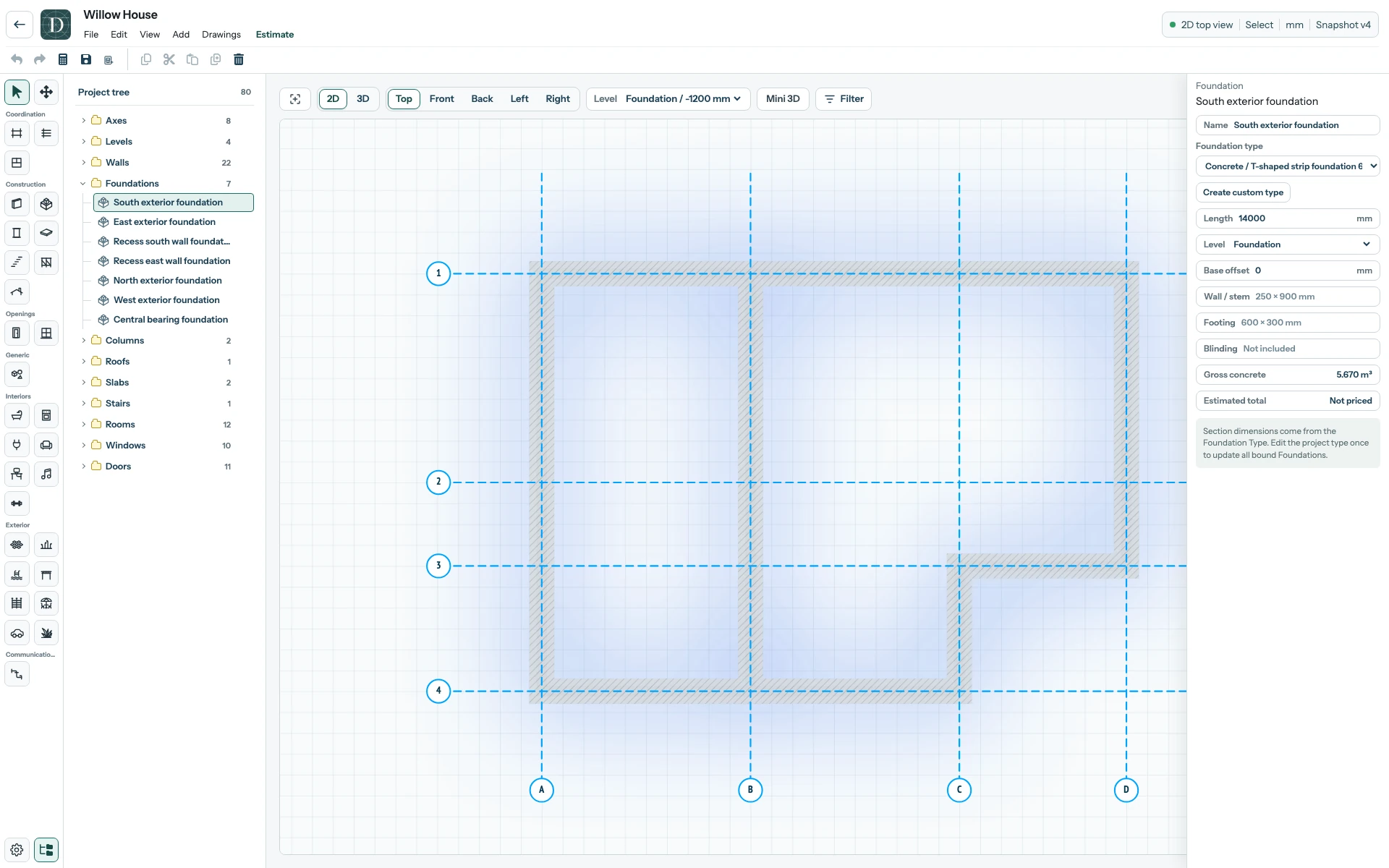
View the full-size Foundation settings screenshot.
Select an object in the viewport or Project tree, then read the right panel before editing. Check its Type or preset, Level, dimensions and any material fields that appear for that object. The available fields vary by element family; a Door does not have the same controls as a Foundation. A custom Door or Window preset describes your selected configuration, while the placed opening still needs a suitable host Wall.
Choose values for your own design and product requirements. The settings in Willow House illustrate one model, not a prescribed assembly. See select and inspect, custom Door sizing and custom Window sizing.